Screenshots only
Visitors scroll past
- A few still images
- No sense of flow
- Easy to skip

The Pixamo Team
App demo video specialists
We turn product launches into short, high-energy videos that build hype before the drop and get people talking on launch day.
Our Works

App demos now live in stores and campaigns
Show how your app feels before install
We start where your user starts, on the first screen.
Each tap is highlighted, so viewers never get lost.
We end on the moment your app delivers its value.

A preview video shows motion, flow and feeling that still images can’t.

From first tap to final install
We explore your app and choose the one journey that sells best.
 App and feature reviewStore requirementsAudience goalsKey feature pick
We map each tap and write a short script that guides viewers.
User journey mapScript and captionsScreen listYour approvalYour screens are rebuilt clean and sharp, without notifications, lag or clutter.
Screen recreationDevice mockupsBrand stylingYour approvalTaps, swipes and transitions are animated to feel smooth, natural and real.
UI motionFeature calloutsMusic and soundCaptionsVersions sized for the App Store, Google Play and your install campaigns.
App Store previewGoogle Play videoAd cut-downsAll device sizesEvery version sized and timed for where it plays.
Portrait or landscape app previews, 15 to 30 seconds long, made for every device size Apple asks for. Your best feature plays first, right at the top of the listing.
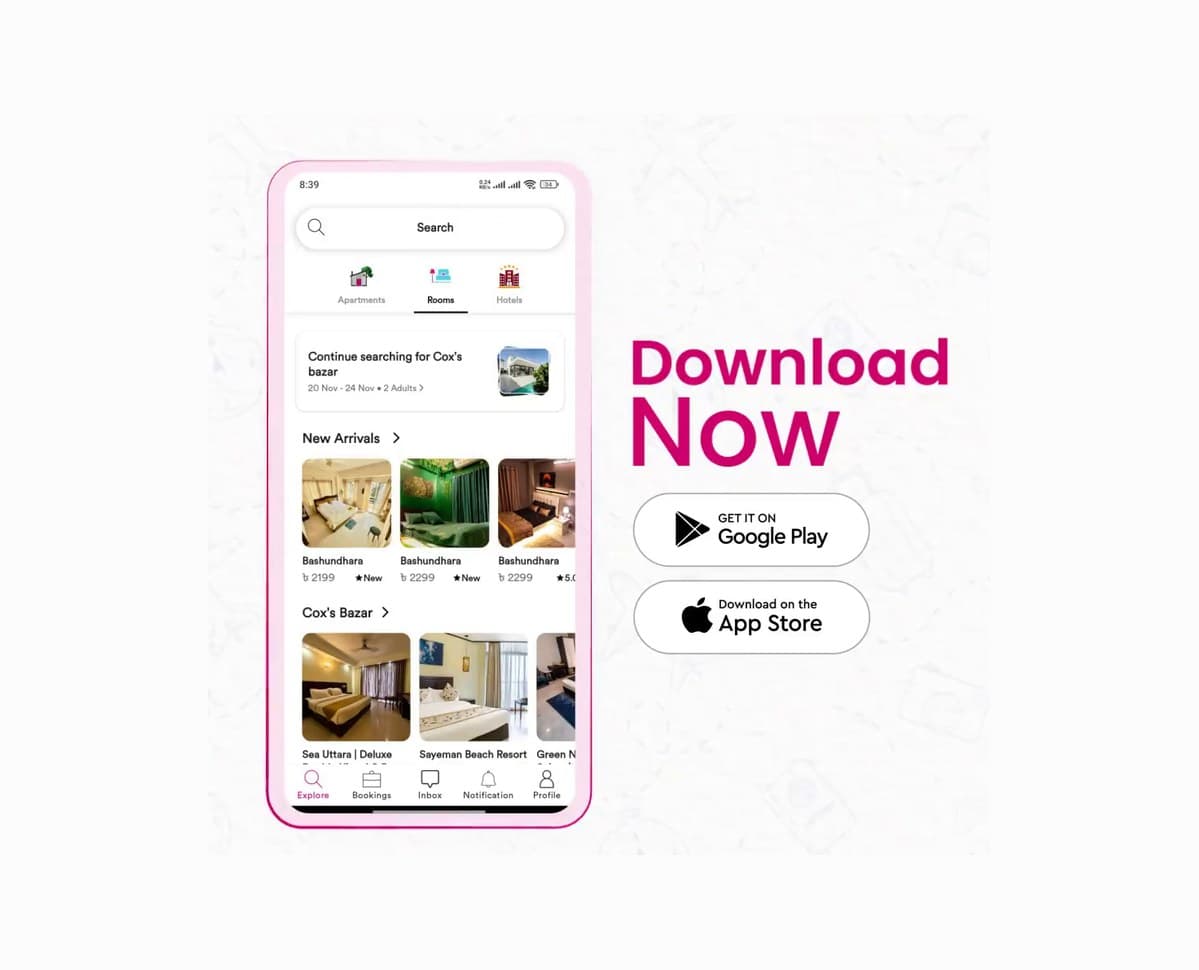
A landscape promo video, ready to upload to YouTube and link in your listing. We keep it short and focused, so visitors see the value before they scroll.

Six, 15 and 30 second cuts in 9:16, 1:1 and 16:9, made from your main demo. Each one leads with a hook and ends on a clear install button.

A 30 to 60 second main demo for your homepage, plus a vertical cut for Reels and Shorts. One story that works everywhere people find you.
Demo videos that turned store visits into installs.
Your app, shown the way users should see it

Your screens recreated sharp and clutter-free, with no notifications or lag.
We follow a real task from first tap to success, so viewers get it.
Lengths and sizes that meet App Store and Google Play rules from day one.
Short versions made for install campaigns, delivered with your main demo.
More installs from every visit.