What Is a SaaS Explainer Video and Why Does Your Product Need One?
Someone lands on your SaaS homepage, reads the headline, glances at a feature list, and still doesn't fully understand what your product does. This happens constantly in software marketing because most SaaS tools solve problems that are easy to describe but hard to picture - automation, dashboards, integrations, workflows that only make sense once you actually see them happen.
That's the exact problem a SaaS explainer video is designed to solve. In this guide, you'll learn what a SaaS explainer video actually is, how it's different from a demo or UI animation, why it tends to outperform text-heavy landing pages, and how to know if your product is ready for one.
What Is a SaaS Explainer Video?
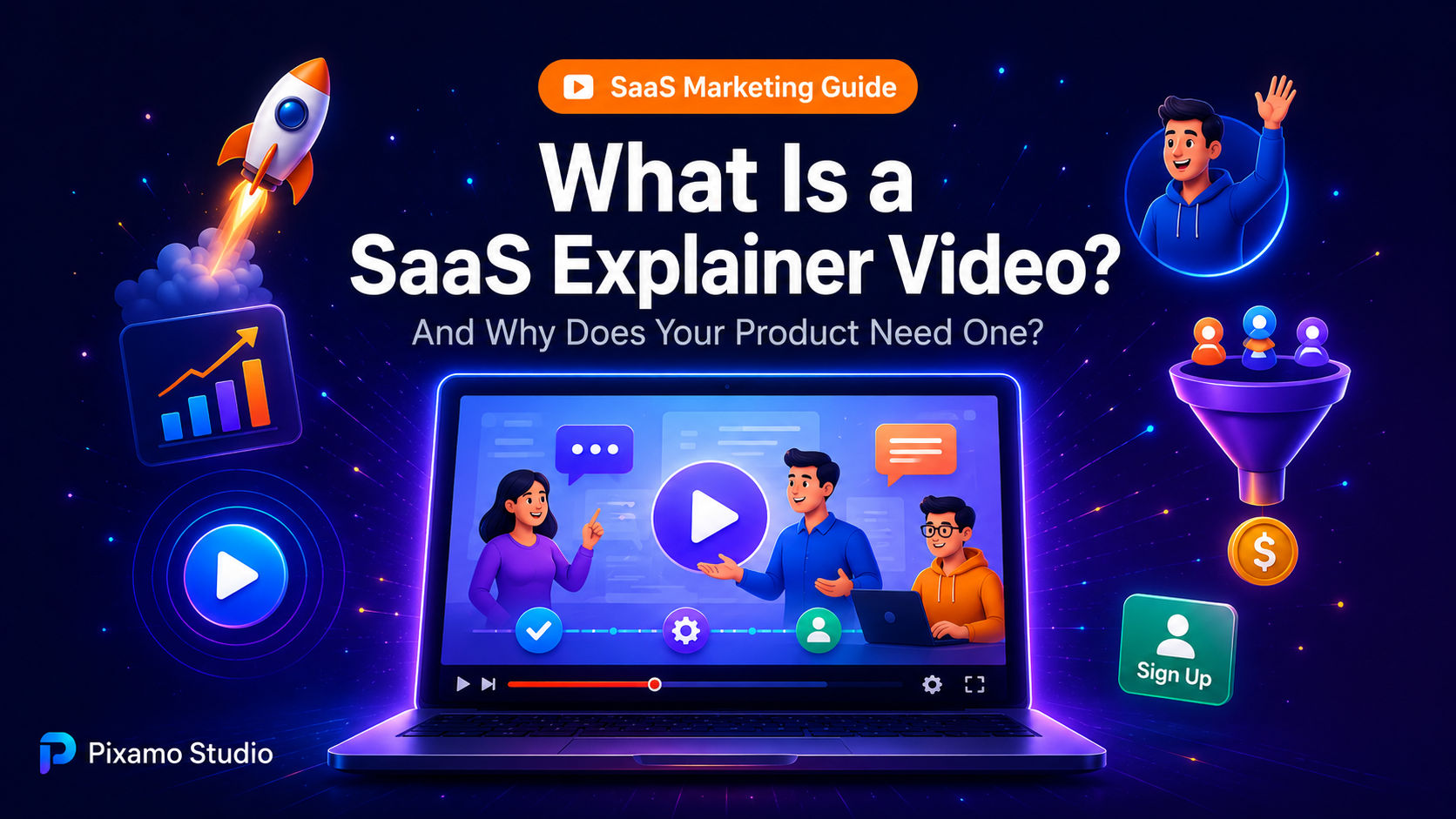
A SaaS explainer video is a short video - typically 60 to 90 seconds - that explains what a software product does, what problem it solves, and why someone should care, usually through a mix of animation, voiceover, and simplified visuals. Unlike a full product demo, it doesn't walk through every feature. It focuses on the core value proposition and gets out before the viewer loses interest.
Think of it as the elevator pitch version of your product, except it's animated and lives permanently on your homepage. It's one of the most common forms of explainer video for software companies because it does something a paragraph of copy struggles to do: make an abstract idea feel concrete in under two minutes.
How It's Different From SaaS UI Animation
These two get confused often, so it's worth separating them clearly. SaaS UI animation recreates the actual interface - buttons, dashboards, screens - to show how the product looks and behaves. A SaaS explainer video is broader. It often uses metaphors, characters, or simplified visuals rather than the literal interface, focusing more on the problem and outcome than on the product's screens themselves.
Many SaaS companies use both together: an explainer video to hook interest early, followed by UI animation or a demo video once the visitor wants more detail.
Why SaaS Products Specifically Need Explainer Videos
Not every business needs an explainer video as urgently as SaaS companies do. A few things make software different from physical products or simpler services.
The Product Is Invisible Until It's Used
You can photograph a piece of furniture and instantly communicate what it is. You can't do that with software. A dashboard screenshot shows what the product looks like, but not what it actually does for the user - and that gap is exactly where confusion (and lost sign-ups) happens.
Buyers Are Comparing Multiple Tools at Once
Most SaaS buyers have several tabs open, comparing similar products side by side. A clear, fast explainer video can be the difference between someone staying on your site long enough to understand your value or bouncing to a competitor's page that explains things faster.
Trials and Demos Have a Higher Bar to Clear
Signing up for a free trial or booking a demo call takes more effort than buying a simple product. An explainer video lowers that barrier by answering the basic "what is this, and is it for me?" question before someone commits to anything.
What a Good SaaS Explainer Video Actually Includes
Not all explainer videos are built the same way, and the difference between a forgettable one and an effective one usually comes down to structure.
It Opens With the Problem, Not the Product
Strong SaaS explainer videos don't start with "Our platform is a cloud-based solution for..." They open with a relatable problem the target user already has - a messy workflow, a manual task, a recurring headache - and only introduce the product as the solution once that problem is established.
It Shows the Outcome, Not Just the Process
Viewers don't just want to know what a product does step by step. They want to know what changes for them afterward. A good explainer video makes that outcome visual and specific - less time spent on manual work, fewer errors, faster reporting - rather than just listing features.
It Ends With One Clear Action
A SaaS explainer video shouldn't try to push multiple actions at once. It should guide toward a single next step, whether that's starting a free trial, booking a demo, or watching a longer walkthrough.
SaaS Explainer Video vs. Written Landing Page Copy
It's worth addressing directly: Does a video really outperform well-written copy? In most cases, yes - but not because copy doesn't matter.
Video and copy aren't really competing with each other. A SaaS explainer video communicates the big-picture value quickly, especially for visitors who are skimming and won't read a full paragraph. Written copy then supports that message with more detail, social proof, and SEO value that a video alone can't provide. The strongest SaaS landing pages typically use both video near the top of the page, supporting copy below it.
This combination tends to perform especially well as part of a broader SaaS video marketing strategy, where the explainer video acts as the entry point and other content formats build on it further down the funnel.
How to Know If Your SaaS Product Needs an Explainer Video
Not every SaaS company needs to rush into producing one immediately, but a few signs suggest it's worth prioritizing.
Visitors frequently ask, "What does this actually do?" during sales calls, even after reading the website
Your product solves a problem that's easier to show than describe
Your bounce rate on the homepage is high despite decent traffic
You're entering a competitive category where multiple tools look similar on the surface
Your sales team repeats the same basic explanation on every single call
If two or more of these sound familiar, an explainer video is likely to pay for itself quickly by reducing friction earlier in the funnel.
Frequently Asked Questions
How long should a SaaS explainer video be? Most effective SaaS explainer videos run between 60 and 90 seconds - long enough to explain the value clearly, short enough to keep viewers watching until the end.
Where should a SaaS explainer video be placed? The homepage is the most common spot, usually near the top of the page, but explainer videos also work well on dedicated landing pages, in email campaigns, and on social media.
What's the difference between an explainer video and a SaaS demo video? An explainer video focuses on the problem and the core value proposition in broad strokes. A demo video shows the actual product interface and walks through specific features in more detail, usually later in the buyer's decision process.
Does a SaaS explainer video need to show the real product interface? Not necessarily. Many effective explainer videos use simplified visuals, metaphors, or abstract animation to communicate the value proposition, saving the literal interface for a UI animation or demo video later on.
Is an animated explainer video worth it for an early-stage SaaS startup? Often, yes. Early-stage products usually face the most confusion from new visitors, since there's no brand recognition yet to fill in the gaps. A clear, well-made animated explainer video can do a lot of the explaining that a sales team would otherwise have to repeat manually.
Final Thoughts: Should Your SaaS Product Have One?
If your homepage struggles to answer "what does this actually do?" within the first few seconds, a SaaS explainer video is one of the most direct ways to fix that. It's not about flashy animation for its own sake - it's about removing the friction that keeps curious visitors from becoming trial sign-ups.
The SaaS companies that get the most value from explainer videos treat them as a core part of the funnel, not a one-off marketing asset. They lead with the problem, show a clear outcome, and point toward one obvious next step - and let the rest of the page do the supporting work.
Curious what your product's explainer video could look like? Reach out, and let's map out the one problem your video should solve first - and turn it into something that actually gets visitors to act.